
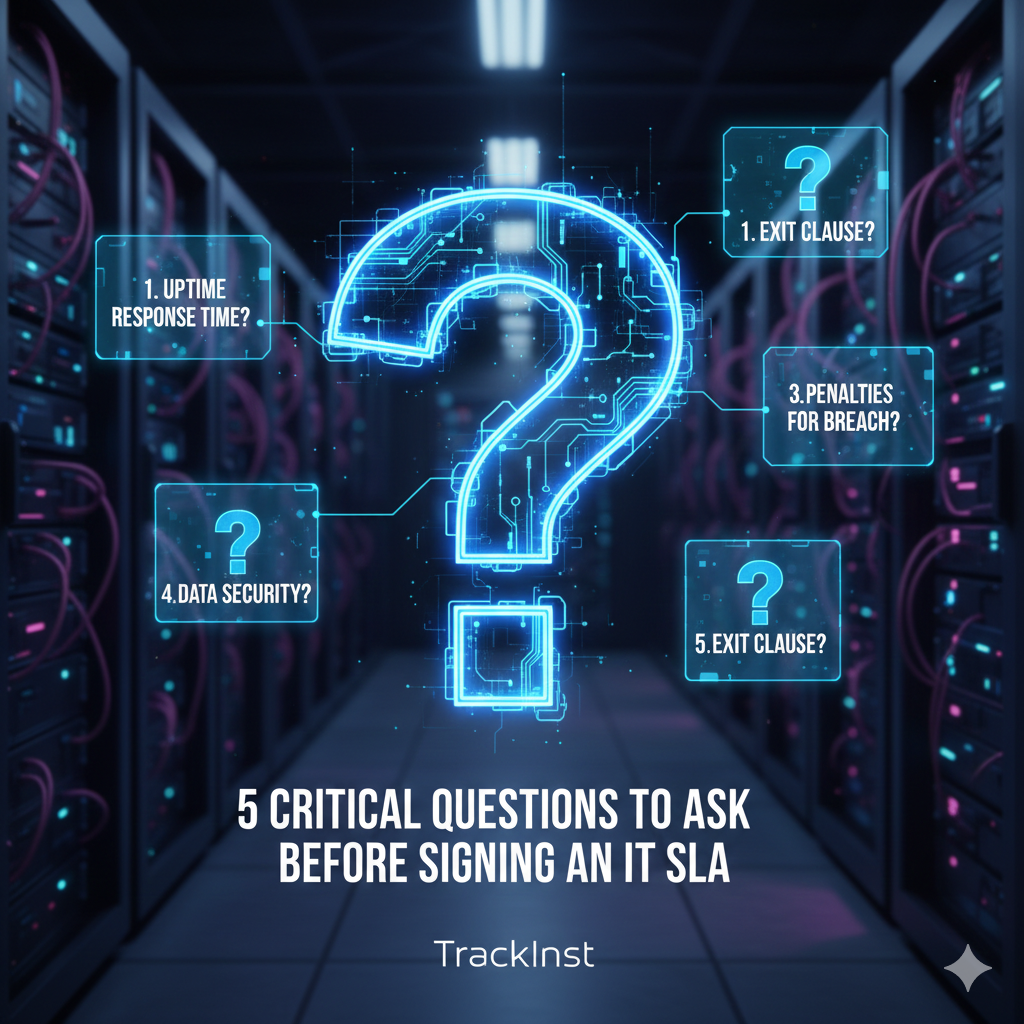
Why Your IT SLA Matters More Than You Think
An IT Service Level Agreement is the backbone of your relationship with your managed IT services provider. It defines what services you’ll receive, how quickly issues will be resolved, and what happens when things go wrong. According to industry research, businesses experience an average of 14 hours of downtime per year, costing small to medium-sized businesses an estimated sar 1500 per minute.
The difference between a robust SLA and a weak one could mean the difference between a minor inconvenience and a business-crippling disaster. That’s why asking the right questions upfront isn’t just recommended—it’s essential.
Key Insight: 67% of businesses report that their IT downtime was directly related to unclear or inadequate SLA terms. Don’t become another statistic.
Question 1: What Are Your Guaranteed Response and Resolution Times?
This is arguably the most critical question in your IT SLA evaluation. Response time refers to how quickly the IT provider acknowledges your issue, while resolution time indicates how long it takes to fix the problem.
What to Look For:
- Specific timeframes: Avoid vague terms like “as soon as possible.” Look for concrete commitments such as “15-minute response time for critical issues” or “4-hour resolution for priority 1 incidents.”
- Tiered support levels: Your SLA should categorize issues by severity (critical, high, medium, low) with corresponding response times for each level.
- Business hours vs. 24/7 coverage: Clarify whether support is available during business hours only or around the clock, including weekends and holidays.
- Definition of “response”: Does response mean an automated email acknowledgment, or does it mean a technician actively working on your issue?
Red Flags to Watch For:
- No specific response times mentioned in the SLA
- Resolution times that seem unrealistically long for critical issues
- Lack of differentiation between issue severity levels
- Support only available during limited business hours for critical systems
Pro Tip: Ask your IT provider for their average actual response and resolution times over the past 6 months, not just the SLA minimums. This gives you real-world performance data.
Question 2: How Do You Define and Measure Uptime Guarantees?
Many IT SLAs promise impressive uptime percentages like “99.9% uptime guarantee,” but the devil is in the details. Understanding how uptime is calculated and what’s excluded from the calculation is crucial.
Critical Details to Clarify:
- Calculation methodology: How is uptime measured? Is it based on network availability, server uptime, or specific applications?
- Planned maintenance windows: Are scheduled maintenance periods excluded from uptime calculations? How much advance notice will you receive?
- Measurement period: Is uptime calculated monthly, quarterly, or annually? This makes a significant difference in actual downtime allowances.
- Third-party dependencies: What happens if downtime is caused by your internet service provider or other external factors?
Understanding the Numbers:
Here’s what different uptime percentages actually mean in terms of downtime:
- 99.9% uptime = 8.76 hours of downtime per year (43.8 minutes per month)
- 99.5% uptime = 43.8 hours of downtime per year (3.65 hours per month)
- 99% uptime = 87.6 hours of downtime per year (7.3 hours per month)
For a business that operates 24/7, even 99.9% uptime could mean significant revenue loss. Make sure the uptime guarantee aligns with your business requirements.
Question 3: What Exactly Is Included in Your IT Support Services?
One of the biggest mistakes businesses make is assuming comprehensive coverage without verifying the scope of services. An IT SLA should explicitly detail what is and isn’t included in your support package.
Core Services to Confirm:
- Help desk support: Is there a limit on support tickets? How many users are covered?
- System monitoring: What systems are monitored proactively? What alerts are configured?
- Security management: Does this include antivirus updates, firewall management, and security patch deployment?
- Backup and disaster recovery: How often are backups performed? What’s the recovery time objective (RTO) and recovery point objective (RPO)?
- Software updates and patches: Are all software updates included, or just security patches?
- Hardware support: What happens when hardware fails? Is replacement equipment provided?
- Cloud services management: If you use cloud platforms, is management included?
- Onboarding and offboarding: Is user account setup and removal included?
Common Exclusions to Watch For:
- On-site support (may require additional fees)
- After-hours emergency support
- Project work and infrastructure upgrades
- Third-party software support
- Training for staff members
- Hardware procurement and replacement
Important: Get everything in writing. If a sales representative promises certain services, ensure they’re explicitly listed in your SLA document. Verbal promises don’t hold up when you need support.
Question 4: What Are Your Remedies If Service Levels Aren’t Met?
An SLA is only as good as its enforcement mechanisms. If your IT provider fails to meet the agreed-upon service levels, what recourse do you have? This question separates serious providers from those who make empty promises.
Essential Remedy Components:
- Service credits: What percentage of your monthly fee is credited back for SLA violations? Industry standard is typically 5-10% per incident.
- Escalation procedures: What’s the process if issues aren’t resolved within the promised timeframe? Who do you contact?
- Contract termination rights: Can you exit the contract without penalty if service levels are consistently missed?
- Performance reporting: Will you receive regular reports showing actual performance against SLA targets?
- Root cause analysis: For major incidents, will the provider conduct and share a detailed post-mortem analysis?
Questions to Ask:
- “What happens if you miss the response time by 2 hours? By 24 hours?”
- “How do I claim service credits, and how long does the process take?”
- “Have you ever had to provide service credits to clients? How often?”
- “What metrics do you track, and will I have access to this data?”
- “Is there a cap on service credits, or can they exceed my monthly payment?”
Red Flag: If an IT provider is hesitant to discuss remedies or offers no concrete penalties for SLA violations, this suggests they’re not confident in their ability to deliver on their promises.
Question 5: How Do You Handle Contract Changes, Growth, and Scalability?
Your business won’t stay the same size forever, and your IT needs will evolve. The final critical question addresses how your IT SLA adapts to change.
Growth and Scalability Considerations:
- Adding users: What’s the process and cost for adding new employees to your IT support? Are there volume discounts?
- New locations: If you open additional offices, how does this affect your SLA and pricing?
- Technology changes: If you implement new systems or migrate to the cloud, is this covered under your existing SLA?
- Downsizing: Can you reduce services if your business contracts, and what are the terms?
- Contract renewal: What’s the renewal process? Are there automatic price increases?
Important Contract Terms:
- Contract length: Is it month-to-month, annual, or multi-year? What are the pros and cons of each?
- Termination notice: How much advance notice is required to cancel the contract?
- Price lock provisions: Are your rates guaranteed for a certain period, or can they increase at any time?
- Service level adjustments: Can you upgrade or downgrade your service tier, and are there penalties for doing so?
- Technology refreshes: As technology becomes outdated, how often are systems reviewed and upgraded?
Pro Tip: Negotiate for a “right to review” clause that allows you to reassess your SLA terms annually. This ensures your agreement evolves with your business needs.
Don’t Sign Your IT SLA Until You Get Expert Review
These 5 questions are just the beginning. A comprehensive SLA review requires technical expertise and industry knowledge. Our team at TrackInst specializes in analyzing IT service agreements to protect businesses like yours.Get Your Free SLA Review
Additional Important Considerations for Your IT SLA
Security and Compliance
Ensure your IT SLA addresses data security, compliance requirements specific to your industry (HIPAA, PCI-DSS, GDPR, etc.), and who is responsible for maintaining compliance. Ask about security incident response procedures and notification timelines.
Communication Protocols
Clarify how you’ll communicate with your IT provider. Will you have a dedicated account manager? What’s the process for submitting support tickets? Are there regular business reviews scheduled to discuss performance and needs?
Documentation and Knowledge Transfer
Your IT provider should maintain comprehensive documentation of your systems, configurations, and passwords. Ask about their documentation practices and what happens to this information if you terminate the contract.
Frequently Asked Questions About IT SLAs
What is a good response time for IT support?
For critical issues affecting business operations, a response time of 15-30 minutes is industry standard. For non-critical issues, 4-8 business hours is typical. However, the “best” response time depends on your business needs and tolerance for downtime. At TrackInst, we offer 24/7 IT support with guaranteed response times tailored to your business requirements.
Should I choose a local IT provider or a national company?
Both have advantages. Local providers often offer more personalized service and on-site support, while national companies may have deeper resources and 24/7 coverage. The key is finding a provider whose SLA commitments align with your needs, regardless of size. TrackInst combines local expertise in Riyadh with enterprise-level capabilities to deliver the best of both worlds.
How often should I review my IT SLA?
At minimum, review your IT SLA annually. However, you should also review it whenever there are significant business changes, such as rapid growth, new locations, technology implementations, or changes in compliance requirements.
What’s the difference between response time and resolution time?
Response time is how quickly your IT provider acknowledges and begins working on your issue. Resolution time is how long it takes to completely fix the problem. Both are important, but resolution time ultimately determines how long you experience disruption.
Can I negotiate my IT SLA terms?
Absolutely. Most IT SLAs are negotiable, especially if you’re a larger client or signing a longer-term contract. Don’t be afraid to request modifications that better suit your business needs. TrackInst works with each client to customize SLAs that align with their specific operational requirements.
Conclusion: Protect Your Business with the Right IT SLA
Asking these 5 critical questions before signing an IT SLA can mean the difference between a productive partnership and a costly mistake. Remember:
- Demand specific, measurable response and resolution times
- Understand exactly how uptime is calculated and guaranteed
- Get a detailed list of included and excluded services
- Ensure there are meaningful remedies for service failures
- Plan for growth and change with scalable terms
Your IT infrastructure is too important to leave to chance. Take the time to thoroughly vet your IT SLA, ask tough questions, and don’t settle for vague promises. The right IT partner will welcome your scrutiny and provide clear, comprehensive answers to every question.
If you’re currently evaluating IT service providers or reviewing your existing SLA, we’re here to help. Our team of IT experts at TrackInst can review your agreement, identify potential issues, and ensure you’re getting the protection and support your business deserves.